Products/M-Center/Modbus TCP to BACnet IP

M-CenterApplication

Modbus TCP to BACnet IP: gateway with the EMU M-Center

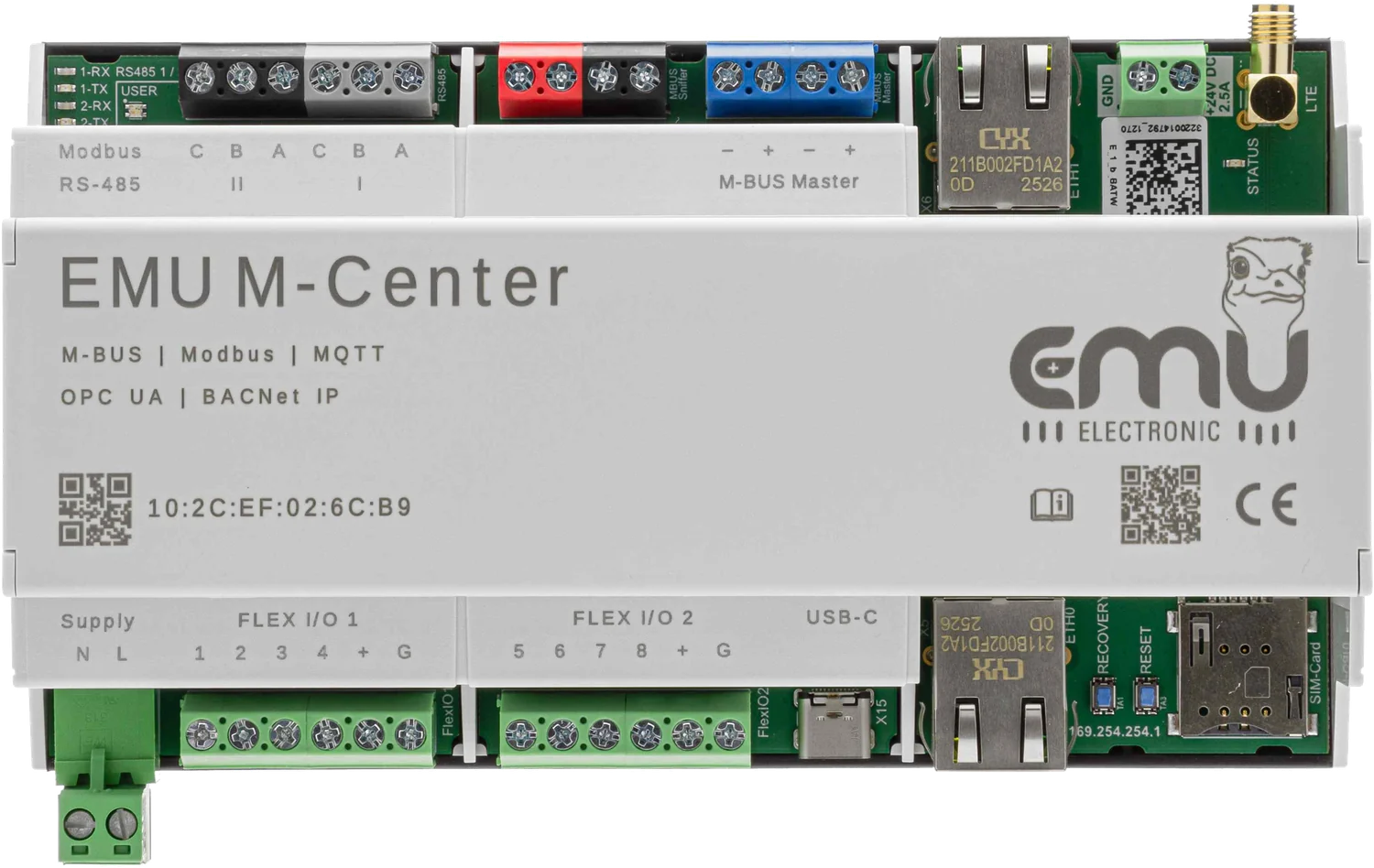
The EMU M-Center reads devices with Modbus TCP and makes their values available to the building management system as BACnet IP devices. No PC in between, in parallel with M-Bus meters and other interfaces.

Key facts

  • As a Modbus TCP client, the M-Center reads up to 20 devices on the network.
  • Per device: serial number, IP address, port, device address, byte and word order.
  • Each device becomes its own BACnet device object with its own instance number.
  • B-ASC certified, BBMD for access across subnets.
  • Required: M-Center base unit plus licence 210.200.03 and licence 210.300.00.
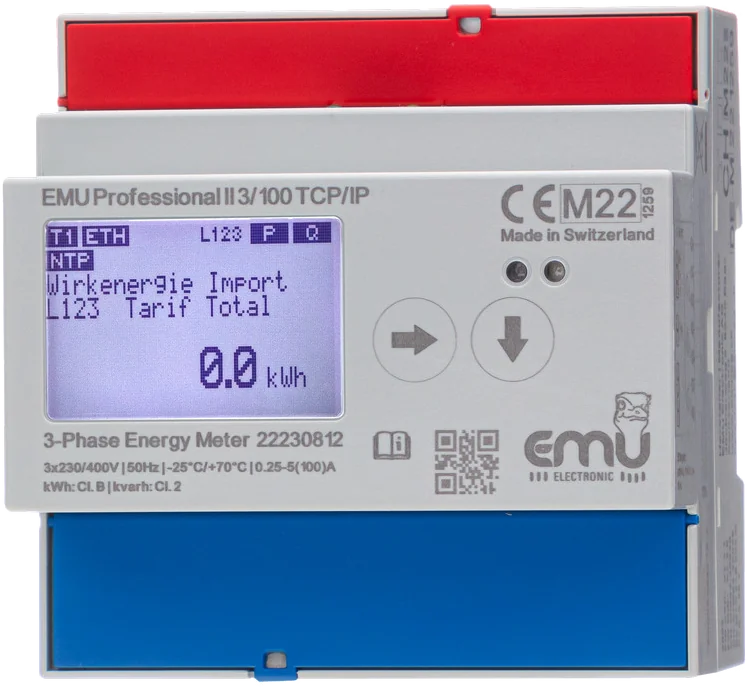
2885.6Professional II TCP/IP192.168.1.61 · SN 22230812
1412.3Professional II TCP/IP192.168.1.62 · SN 22230813
3207.9Professional II TCP/IP192.168.1.63 · SN 22230814
EMU M-CenterModbus TCP client · BACnet IP · 10:2C:EF:02:6C:B9
EMU M-CenterModbus TCP client
Register 6000 · active energy import
.61SN 22230812–
.62SN 22230813–
.63SN 22230814–
BACnet building managementBACnet/IP · UDP 47808
Values in the BMS
Device 1001AI 1 · Import total–
Device 1002AI 1 · Import total–
Device 1003AI 1 · Import total–
Modbus TCP request

The M-Center queries each Professional II on the network: IP address, port 502, function code 03, register 6000. The meter replies with its meter reading.

Simplified illustration. Serial numbers, addresses and values are examples. In operation, the M-Center reads every 15 minutes by default.

How the gateway works

Inverters, charging stations, meters and controllers on the network often deliver their values via Modbus TCP. With the licence «Modbus TCP 20 Devices», the M-Center reads up to 20 such devices as a Modbus TCP client.

The M-Center then provides each device in BACnet as its own device object and the measured values as analog input objects. The M-Center is B-ASC certified and supports BBMD.

The values read are available via BACnet IP regardless of the storage setting. In addition, the M-Center stores the registers with «Save in database» enabled in its internal 16 GB memory.

How the devices get into the M-Center

  1. Clarify the network: the M-Center and the devices must reach each other. Agree IP addresses and ports with IT.
  2. Add the device in the web interface: enter serial number, IP address, port and device address (slave ID). For the EMU Professional II any number from 0 to 255 works.
  3. Set byte and word order to match the device.
  4. Apply a Modbus driver or create registers: start address (from 1), function code 03 or 04, data type, unit, divisor and OBIS code.
  5. Activate BACnet IP: set the D-Net number, port and device instance of the M-Center and assign a BACnet instance number to each device.

Newly created Modbus registers are not saved automatically. First check that the value is correct, then enable «Save in database». Modbus drivers can be exported as JSON and transferred to other M-Centers.

BACnet IP settings

  • D-Net number, port and device instance of the M-Center
  • Instance number per device, in the device under «BACnet IP»
  • BBMD enabled: access via the BBMD devices entered, using the two-hop broadcast method
  • Continuous reading: the M-Center reads the devices continuously so that the values in BACnet are as current as possible

With «Continuous reading», only the values at the time of the reading interval are stored. BACnet and the other interfaces receive continuously updated values in between.

Order numbers

Article numberDescriptionShop
210.000.00EMU M-Center for 20 M-Bus devicesShop: EMU M-Center 210.000.00 →
210.200.03M-Center | Licence Modbus TCP 20 devices
210.300.00M-Center | Licence BACnet IP

Order online in the EMU Metering shop.

Licences can be activated later at any time, without changing hardware. M-Bus, RS485, Modbus TCP and all output interfaces run in parallel.

Frequently asked questions


Is this the same licence as «M-Bus to Modbus TCP»?

No. Licence 210.200.03 makes the M-Center a Modbus TCP client that reads devices. Licence 210.300.04 makes it a Modbus TCP server from which other systems read values.

Is the M-Center BACnet certified?

Yes, as a B-ASC (BACnet Application Specific Controller). With BBMD, the building management system reaches the M-Center from another subnet as well.

Can I use M-Bus, RS485 and Modbus TCP at the same time?

Yes. All devices appear in the same device lists, and the M-Center provides their values simultaneously via all licensed interfaces, such as BACnet IP, MQTT, Modbus TCP or OPC UA.

How often does the M-Center read the devices?

Every 15 minutes by default. You can choose from 15 minutes to 28 days, also per device.

Read more


SEITEEMU M-CenterProduct SEITEM-Bus to BACnet IPApplication SEITEPower meter with Modbus TCPProfessional II TCP/IP SEITECommissioning the M-CenterGuide

Implementing Modbus TCP to BACnet IP?


Send us the device list with manufacturer and type. We check the registers and name the licences.

Phone
+41 (0)41 545 03 00

Technical support
helpdesk [at] emuag.ch
Support form →