Connection parameters
| Parameter | Value |
|---|---|
| TCP port | 502 |
| Device address (slave ID) | the «Modbus TCP Server device number» of the meter in the M-Center |
| Byte order | Big endian |
| Word order | MSB → LSB |
| Register numbering | from 1 |
Every meter in the M-Center gets its own device address. The target system therefore does not read one large register block but addresses each meter by its address, as on a Modbus line with many devices.
The register numbers in the manual start at 1. Some programs expect the address from 0, i.e. 1029 instead of 1030. Check the numbering once against a known meter reading.
Two routes to a reading
By register number of the meter
The n-th register of a meter is at 12000 + 30 × n (float32) and 12002 + 30 × n (uint64). Register 0 is therefore at 12000, register 3 at 12090. This works without further settings, but the position depends on the meter model.
By OBIS code
Enter the OBIS code for the registers in the M-Center. Every reading then sits at a fixed address, no matter which meter delivers it. An extract from the table:
| OBIS code | Reading | float32 | uint64 |
|---|---|---|---|
| 1-0:1.8.0 | Active energy import, total | 1000 | 1002 |
| 1-0:1.8.1 | Active energy import, tariff 1 | 1030 | 1032 |
| 1-0:1.8.2 | Active energy import, tariff 2 | 1060 | 1062 |
| 1-0:2.8.0 | Active energy export, total | 1150 | 1152 |
| 1-0:3.8.0 | Reactive energy import, total | 1300 | 1302 |
| 1-0:4.8.0 | Reactive energy export, total | 1450 | 1452 |
| 1-0:1.7.0 | Active power import, total | 1750 | 1752 |
| 1-0:2.7.0 | Active power export, total | 1870 | 1872 |
| 1-0:11.7.0 | Current, total | 2350 | 2352 |
| 1-0:32.7.0 | Voltage phase 1 | 2470 | 2472 |
| 1-0:14.7.0 | Frequency | 2650 | 2652 |
| 8-0:1.0.0 | Volume cold water | 3000 | 3002 |
| 9-0:1.0.0 | Volume hot water | 3030 | 3032 |
| 7-0:3.0.0 | Volume gas | 3060 | 3062 |
| 5-0:1.0.0 | Energy cooling meter | 4000 | 4002 |
| 4-0:1.0.0 | Meter reading heat meter | 4060 | 4062 |
The unit corresponds to the unit set for the register in the M-Center. A divisor entered there is already applied.
Status registers: did the readout succeed?
| Information | float32 | uint64 |
|---|---|---|
| Readout interval | 11880 | 11882 |
| Status code | 11910 | 11912 |
| Timestamp of the last readout attempt | 11940 | 11942 |
| Timestamp of the last successful readout | 11970 | 11972 |
Read these registers as uint64, because float32 only approximates large numbers. Status code 1 means: last readout successful. 2: last readout not successful. 3: readout successful, but the meter itself reports a fault. Anyone who reads these registers notices immediately when a meter stops responding.
Example with modpoll
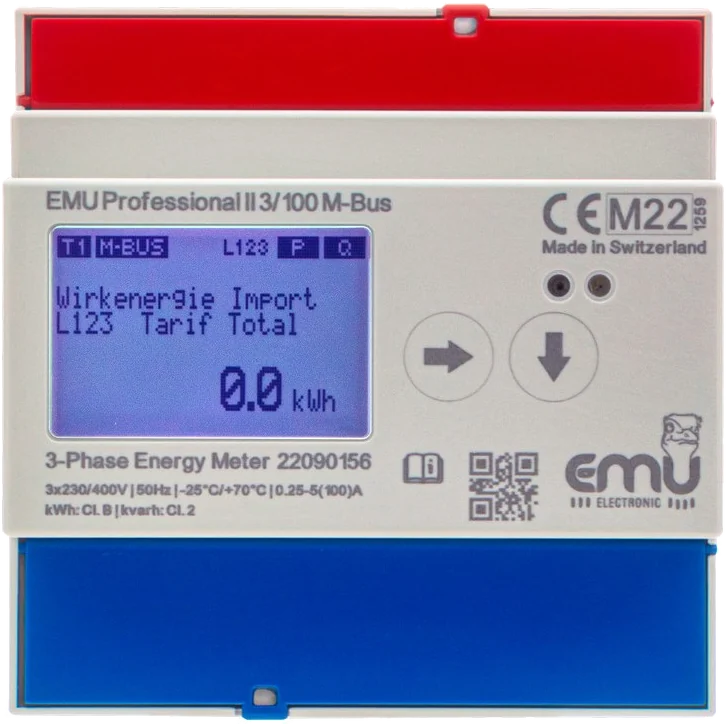
An EMU Professional II has device address 9 in the M-Center. Its register 3 carries the OBIS code 1-0:1.8.1. Both queries return the import tariff 1 reading as a floating-point number:
modpoll -1 -m tcp -t 4:float -i -f -r 1030 -a 9 -c 1 -p 502 <M-Center-IP>
modpoll -1 -m tcp -t 4:float -i -f -r 12090 -a 9 -c 1 -p 502 <M-Center-IP>
Do not confuse: Modbus TCP client
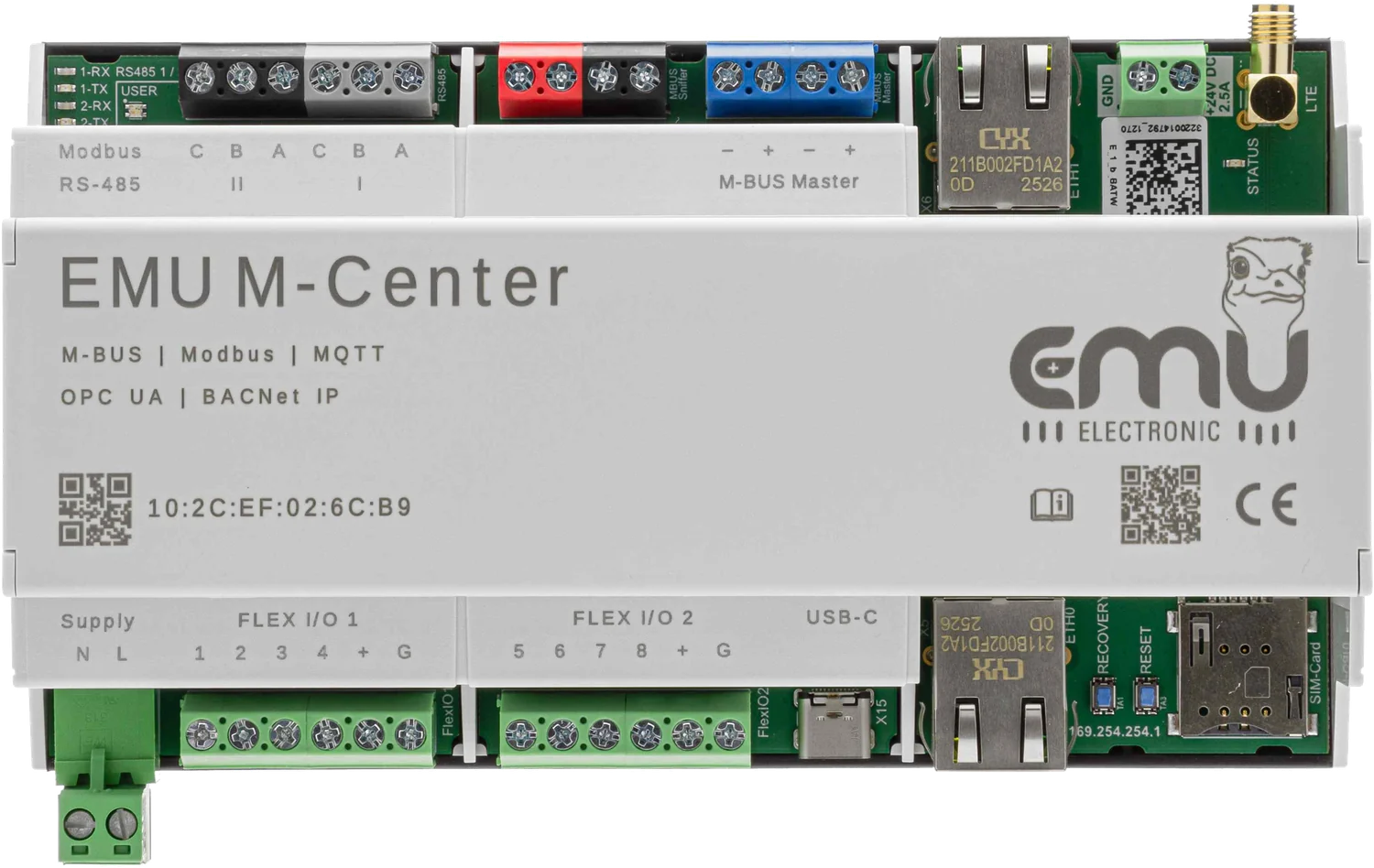
Licence 210.300.04 turns the M-Center into a Modbus TCP server: other systems read values from the M-Center. Licence 210.200.03 is the opposite direction. With it, the M-Center itself reads up to 20 devices via Modbus TCP, for example charging stations or inverters.
Order numbers
| Item | Article number | Shop |
|---|---|---|
| M-Center for 20 M-Bus devices | 210.000.00 | Shop: EMU M-Center 210.000.00 → |
| M-Bus licence 20 → 250 devices | 210.020.03 | Shop: M-Center M-Bus-Lizenz 20 → 250 Geräte 210.020.03 → |
| Modbus TCP licence (M-Bus to Modbus TCP) | 210.300.04 | |
| Modbus TCP licence 20 devices (client) | 210.200.03 |
Order online in the EMU Metering shop.