What an M-Bus to MQTT gateway does
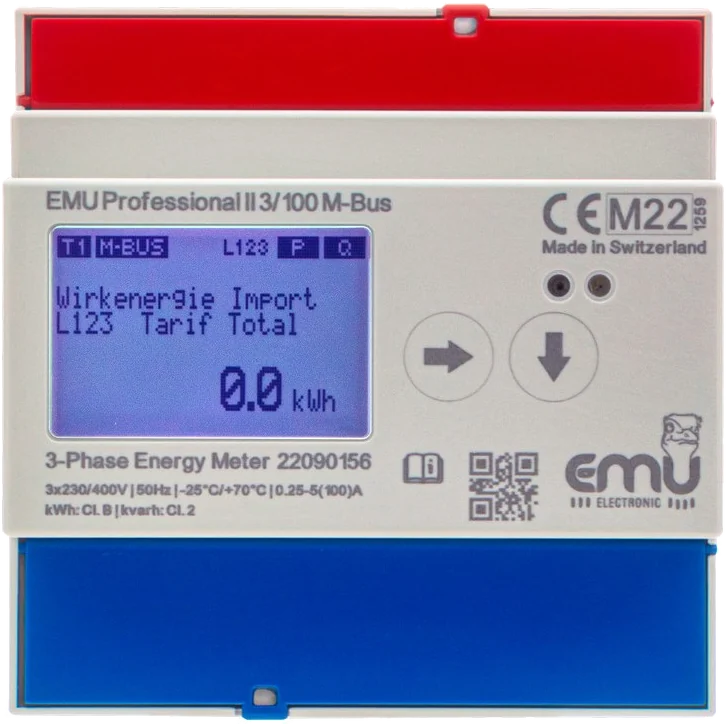
M-Bus to EN 13757 is a two-wire bus on which a master polls the meters one after the other. MQTT works the other way round: a client publishes messages to a broker, and every system that needs the values subscribes to them there. A gateway connects both worlds. It polls the meters at the set interval and publishes the values to the broker.
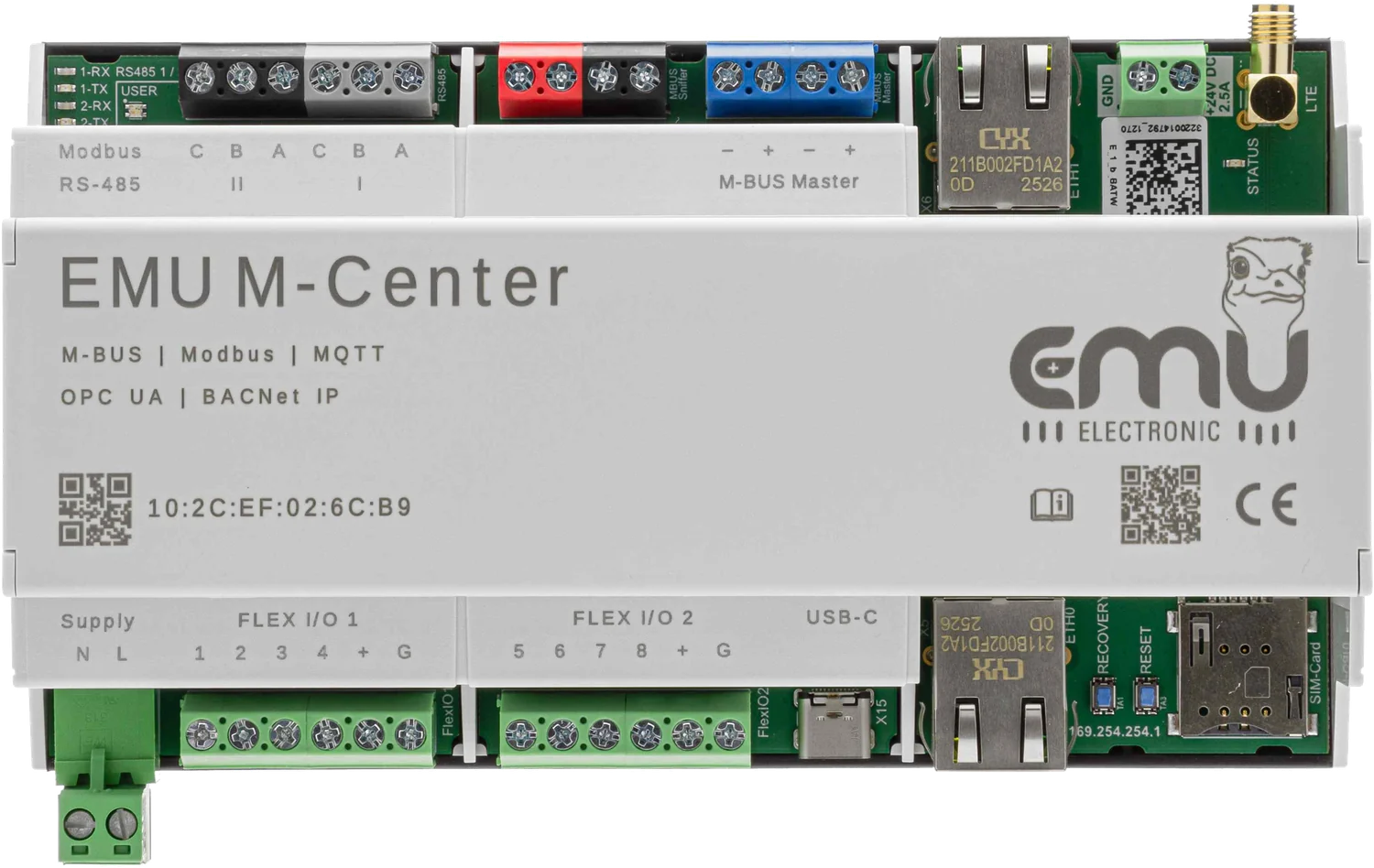
The M-Center takes on both roles and also stores the values in its internal 16 GB memory. If the broker fails, the readings remain in the device. The M-Bus readout interval is 15 minutes by default and can be set between 15 minutes and 28 days, individually for each meter if required.
How the topics are structured
The structure is fixed. Only the prefix at the start can be chosen freely:
<prefix>/emu/mcenter/<MAC of the M-Center>/meterreading/<meter serial number>/byregister/<register number>
<prefix>/emu/mcenter/<MAC of the M-Center>/meterreading/<meter serial number>/byobis/<OBIS code>| Part | Meaning | Example |
|---|---|---|
| Prefix | optional, set in the MQTT settings | house-a |
| emu/mcenter | fixed part | |
| MAC | serial number or MAC address of the M-Center | 10:2C:EF:12:34:56 |
| meterreading | meter readings; configuration data appears under config/meterconfig | |
| Serial number | serial number of the meter | 24201234 |
| byregister / byobis | value by register number or by OBIS code | 0 or 1-0:1:8:1 |
For topics by OBIS code, enter the OBIS code for the required registers in the M-Center. This pays off as soon as meters from different manufacturers are involved: the import tariff 1 reading then ends up under the same topic ending for every meter, regardless of where the manufacturer places it in the telegram.
Before processing the data in a target system, look at the messages with an MQTT client, for example MQTT Explorer or mosquitto_sub -v -t '#'. This shows you the exact path and the content of the messages on your own broker.
Settings in the M-Center
- Host name and port of the broker
- User and password if the broker requires a login
- Prefix for all topics, optional
- MQTT version 3.1, 3.1.1 or 5
- TLS for an encrypted connection. The «Insecure connection» option disables the check of certificate and host name. We recommend it for tests only.
- Quality of Service 0, 1 or 2
Commissioning step by step, from the service port to the first message on the broker, is shown in our M-Center commissioning guide.
Which QoS level fits?
| QoS | Delivery | When it makes sense |
|---|---|---|
| 0 | at most once, without acknowledgement | sufficient for most installations, lowest network load |
| 1 | at least once, with acknowledgement | when no message may be lost; duplicates are possible |
| 2 | exactly once | when the target system cannot handle duplicates; more network load |
As the M-Center also stores all values, QoS 0 is usually enough for monitoring and dashboards. For billing we recommend the file export or reconciliation with the stored values.
Order numbers
| Item | Article number | Shop |
|---|---|---|
| M-Center for 20 M-Bus devices | 210.000.00 | Shop: EMU M-Center 210.000.00 → |
| M-Bus licence 20 → 60 devices | 210.020.01 | Shop: M-Center M-Bus-Lizenz 20 → 60 Geräte 210.020.01 → |
| M-Bus licence 20 → 120 devices | 210.020.02 | Shop: M-Center M-Bus-Lizenz 20 → 120 Geräte 210.020.02 → |
| M-Bus licence 20 → 250 devices | 210.020.03 | Shop: M-Center M-Bus-Lizenz 20 → 250 Geräte 210.020.03 → |
| MQTT licence | 210.300.03 |
Order online in the EMU Metering shop.